Summary
The Summary page provides a detailed view of workflow runs and metrics for your repository.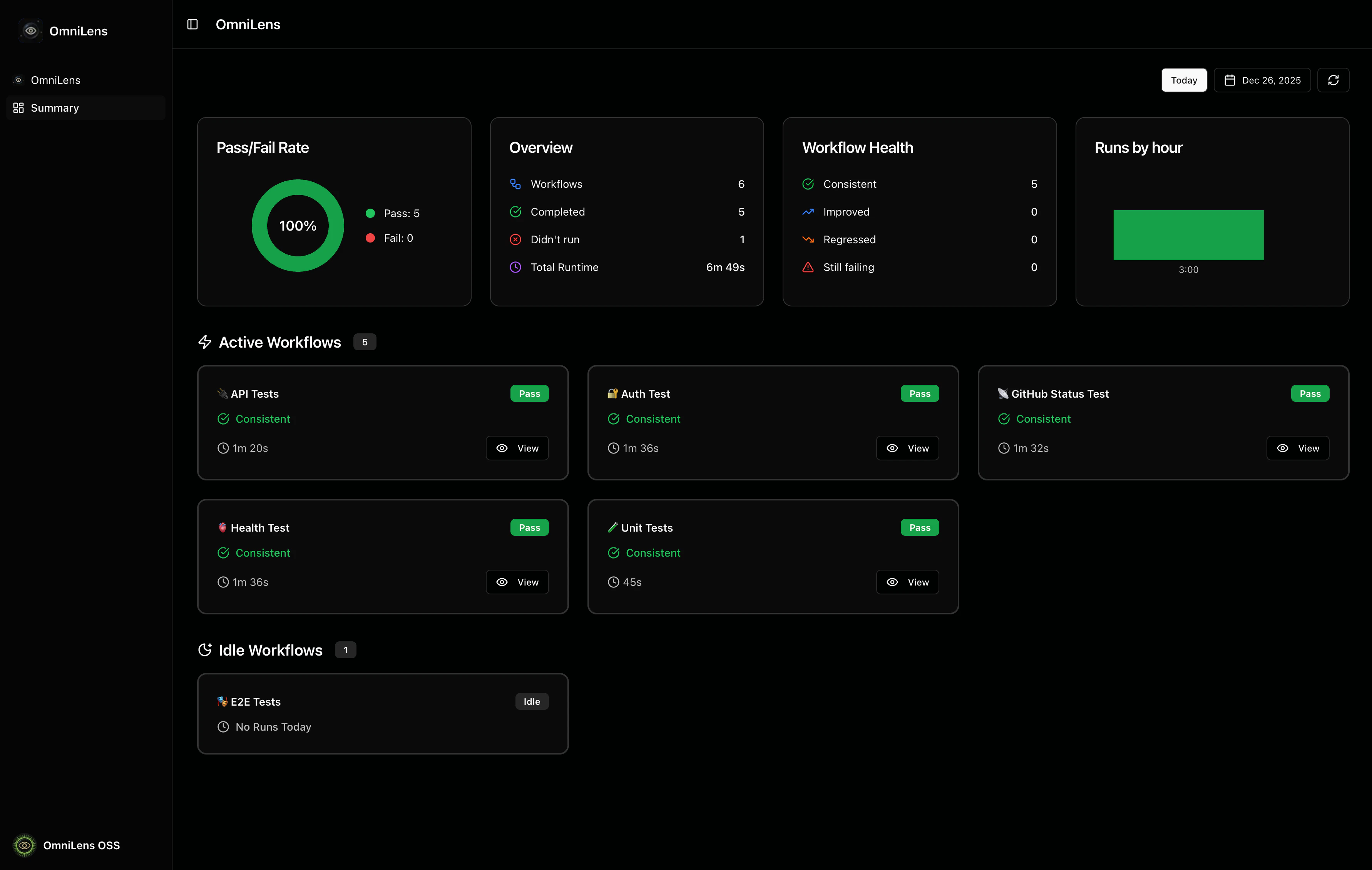
Date Selection
You can view workflow runs for any date by using the date controls in the top-right corner:- Today button: Quickly jump to today’s date
- Calendar picker: Select any date to view historical workflow runs
- Refresh button: Reload the page to fetch the latest data
Daily Metrics
There are four metric cards showing aggregated statistics for the selected date.- Pass/Fail Rate: A pie chart showing the success rate of workflow runs
- Overview: General statistics
- Workflow Health: Health status breakdown comparing today’s runs with yesterday’s
- Runs by hour: A bar chart showing when workflows are most active throughout the day
Workflow section
The workflow cards are split in two sections:- Active Workflows: Workflows that have runs for the selected date
- Idle Workflows: Workflows that have no runs for the selected date
Workflow Card Overview
Each workflow card provides a compact overview of the workflow’s activity.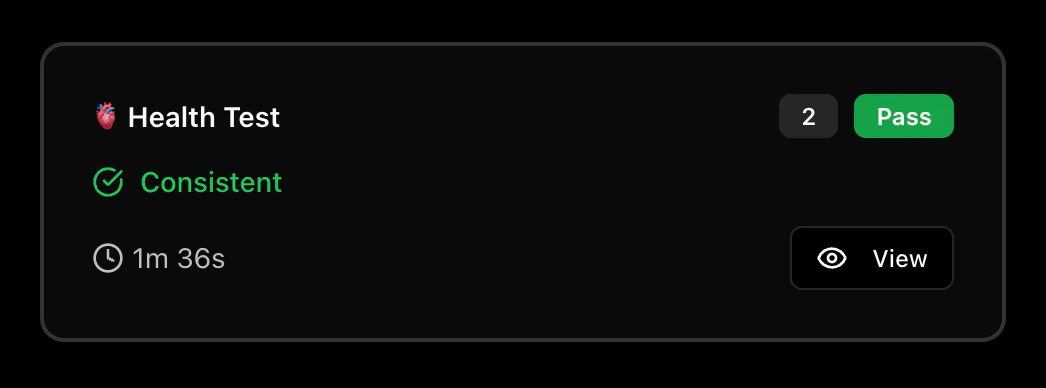
Metrics
The workflow card displays the following metrics:- Status badge: Visual indicator showing Pass, Fail, Running, or Idle
- Run count badge: Shows when a workflow runs multiple times
- Health status indicator: Compares today’s performance with yesterday
- Duration: The total runtime of the workflow execution
Actions
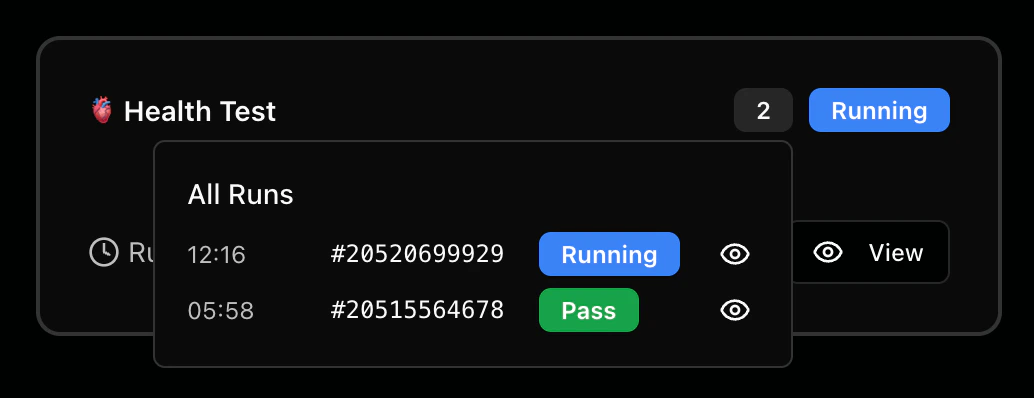
Each workflow card includes interactive elements:- View button: Opens the workflow run on GitHub Actions
- Run count badge: Click to view all runs