Overview
The Home page provides a single view of all your repository cards as well as the ability to add more.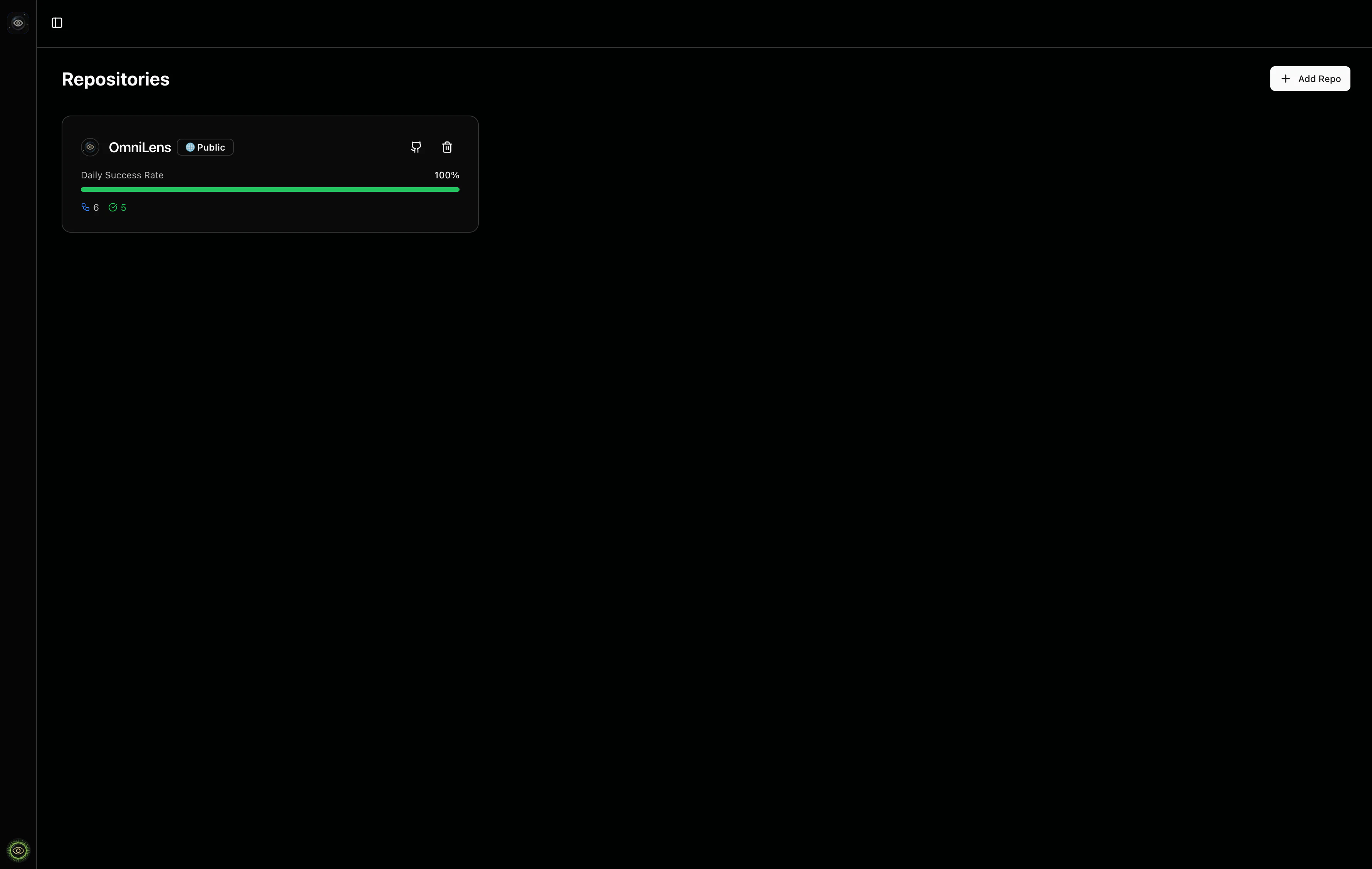
Add a Repository Card
Enter a GitHub repository URL orowner/repo format in the add repository dialog.
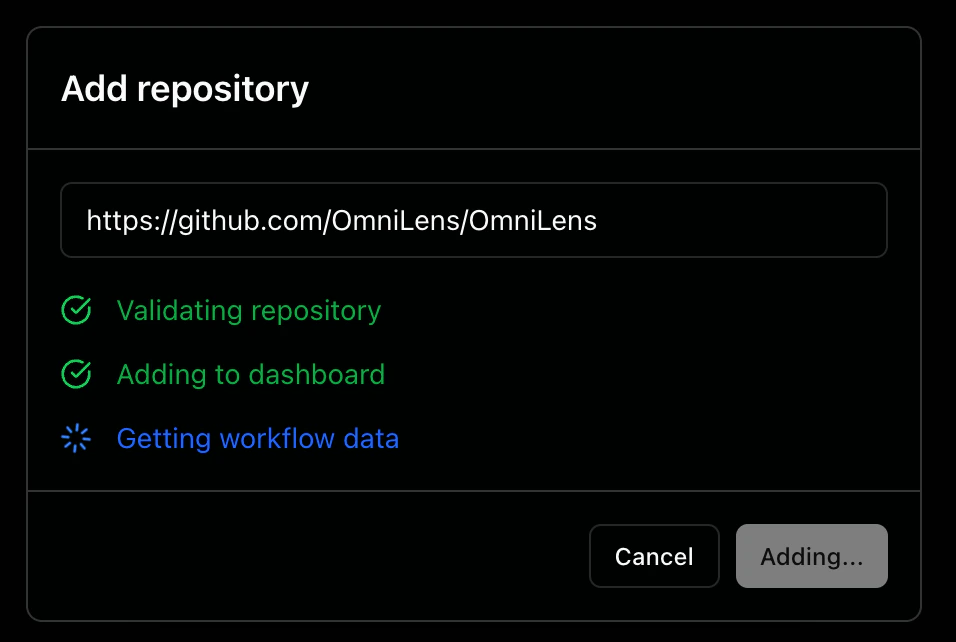
- Validation: Verifies the repository exists and you have access to it
- Addition: Adds the repository card to your dashboard
- Data Fetching: Discovers and fetches workflow definitions to display initial run data
Repository Card Overview
Each repository card provides a compact overview of your repository’s workflow activity.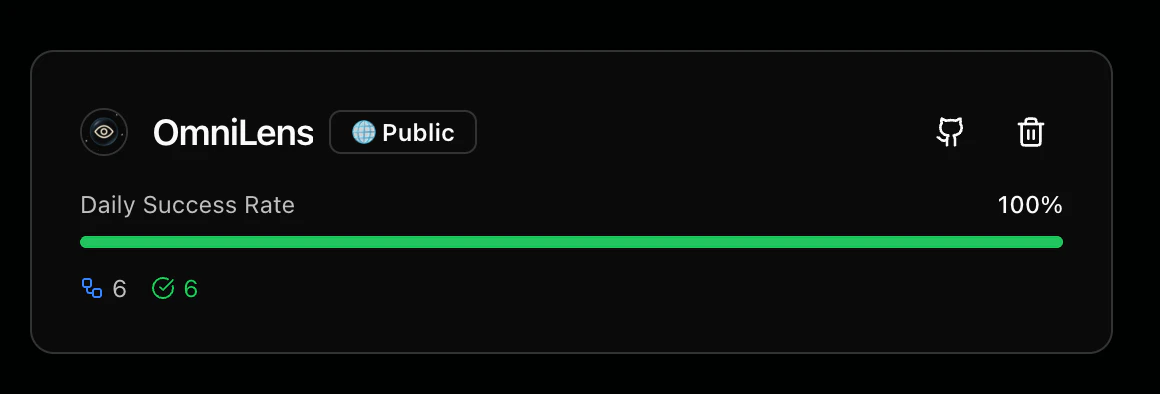
Metrics
The repository card displays the following metrics:- Daily Success Rate: A progress bar showing the percentage of successful workflow runs
- Total Workflows: The number of workflows configured in the repository
- Passed Runs: Count of workflow runs that completed successfully
- Failed Runs: Count of workflow runs that failed
- In Progress Runs: Count of workflow runs currently running
Actions
Each repository card includes interactive elements:- GitHub icon: Navigate directly to the repository on GitHub in a new tab
- Trash can icon: Remove the repository card and all its associated data from your dashboard